AI Flashcard Generator: Turn Notes into Study Cards Fast
Last updated: May 17, 2026
You spent last Sunday making flashcards. Three hours, 60 cards, one brachial plexus you still can't picture. Meanwhile, the next lecture's notes are sitting unread because you ran out of time. That's not a studying problem — that's a card-creation problem.
Students who switch to an AI flashcard generator report cutting card-creation time by 70–90%, according to discussions in r/medicalschoolanki. One student described going from "8–10 hours every weekend making cards" to under an hour of reviewing and tweaking AI-generated output. The time doesn't disappear — it moves from formatting cards to actually learning from them.
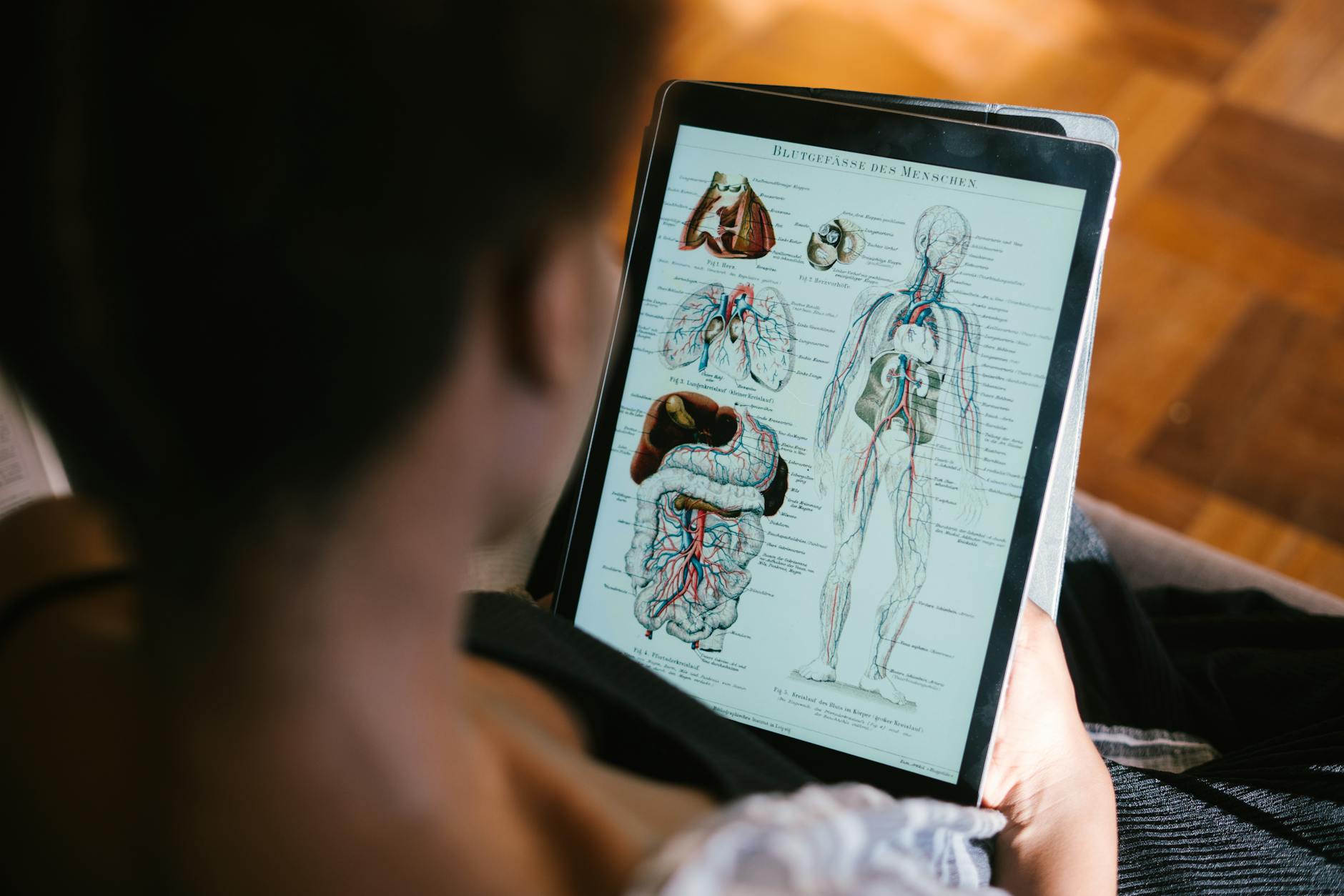
Photo by RF._.studio on Pexels
What Is an AI Flashcard Generator?
AI flashcard generator (noun): a tool that uses large language models to read your study material — notes, text passages, typed content — and automatically produce question-and-answer card pairs, ready to study.
Instead of you deciding which facts deserve a card, writing the question, formatting the answer, and repeating that process 80 times per lecture, the AI does it. You review, adjust, and study.
Why AI Flashcards Actually Work (The Science Part)
The case for AI flashcards isn't just convenience — it's cognitive science.
Human working memory holds roughly 4 discrete items at a time (Cowan, Behavioral and Brain Sciences, 2001 — one of the most-cited papers in memory research, with over 6,700 citations). Dumping 40 dense lecture slides into your head in one sitting runs directly against this limit. Flashcards work because they chunk information into single retrievable units, forcing your brain to process one idea at a time instead of scanning walls of text.
"Large language models offer significant promise as personalized tutoring systems, automatically generating retrieval practice materials tailored to individual learners." — Kasneci & Seßler, Learning and Individual Differences, 2023
The combination of AI generation and spaced repetition is especially effective. Spaced repetition is a study method that schedules review sessions at increasing intervals — each card reappears just before you'd forget it, maximizing long-term retention per hour spent. AI handles the tedious front end (building the cards); spaced repetition handles the back end (making what you learn stick).
What Separates a Good AI Flashcard Generator from a Bad One
Not all AI flashcard tools produce the same output. Here's what to look for before committing to one.
Card Quality: One Fact Per Card
Good generators produce cards that isolate a single testable fact, phrase questions the way an exam would, and keep answers tight. Bad generators dump entire paragraphs on the answer side, which defeats the purpose of a flashcard entirely. If you can't answer the card in under 10 seconds, the card was written wrong.
Starting Material: What Formats Are Actually Supported
The best tools accept pasted notes directly — copy a section of your lecture, paste it, get cards. Some platforms advertise PDF support; verify exactly what works before committing, because many tools struggle with complex formatted documents and produce scrambled output. Know what your tool actually handles.
Study Modes Beyond Basic Flipping
Flipping cards is the floor, not the ceiling. Look for quiz modes — both multiple-choice and open-ended — so you can practice the same format your actual exam uses. Passive recognition (recognizing the right answer when you see it) and active recall (producing the answer from scratch) are different cognitive skills, and you need to practice both. [INTERNAL LINK: FlashFlicks quiz mode feature overview]
Analytics That Show You Something Actionable
"You studied 45 cards today" is not analytics. Useful analytics identify which cards you're consistently getting wrong, where your weak topics cluster, and whether your retention rate is improving. Without that signal, you're studying blind.
Community Decks for High-Yield Content
If you're covering standardized material — board-tested concepts, foundational pharmacology, core anatomy — pre-made community decks let you start reviewing before you've uploaded a single note. The best platforms let you layer your own AI-generated cards on top.
How FlashFlicks Works as an AI Flashcard Generator
FlashFlicks is a free-to-start flashcard platform. AI features are in the paid tier; here's exactly what's available at each level.
Free plan — no credit card required:
- Create unlimited flashcards manually
- Add custom hints and mnemonics to any card
- Access community flashcard decks
- Track performance with built-in analytics
- Gamified study sessions with progress streaks
Paid plan — AI generation + advanced features:
- Generate comprehensive flashcard sets from your pasted notes using AI — paste a lecture section, get a full deck in seconds
- Quiz mode: multiple-choice and open-ended question formats
- Upload diagrams and visual aids directly to card questions and answers
- Add audio to cards for pronunciation-heavy material (pharmacology terms, anatomical names)
- Agentic study experience: AI helps you build, organize, and improve your decks over time
- Export and backup in JSON and CSV formats
- Exclusive themes and premium deck icons
One important note: FlashFlicks' AI works from pasted text. If your source is a PDF, paste the relevant sections rather than trying to upload the file.
How to Use an AI Flashcard Generator: Step by Step
- Open your lecture notes — identify the section you want to convert
- Copy and paste the text into FlashFlicks' AI generator
- Review the generated cards — scan for accuracy before adding them to your deck; the AI is good but not infallible
- Edit weak cards — add hints or mnemonics where a bare fact feels thin or context-free
- Start a study session — review the deck while the lecture is still fresh, or switch to quiz mode if your exam is close
- Check your analytics — after each session, identify the cards you're getting wrong and prioritize them
The entire point is to compress steps 1–4 so that steps 5 and 6 — the parts that actually move retention — get the bulk of your time.
Frequently Asked Questions
Is a free AI flashcard generator worth using?
Free AI flashcard tools vary widely in quality. Some generate cards that are too vague, too long, or miss the key testable facts. FlashFlicks' free plan lets you build cards manually with custom hints and access community-made decks — a solid starting point. The AI generation is in the paid tier, where it's been built for quality over quantity.
Can AI flashcard generators replace Anki?
For many students, yes. Anki's strengths are its spaced repetition algorithm and deep customizability; its weakness is the enormous time investment in card creation. AI flashcard generators solve exactly that problem. Whether you migrate fully or use both depends on how invested you already are in the Anki ecosystem.
How accurate are AI-generated flashcards?
AI generators are strong at identifying facts, definitions, and cause-and-effect relationships — but they occasionally produce cards that are too broad or imprecise. A quick review pass before studying is always worth it. For high-stakes material like pharmacology mechanisms or clinical diagnostic criteria, treat the AI output as a first draft.
Do AI flashcard generators work for medical school?
Yes, and r/medicalschoolanki is full of students using them daily. The biggest reported benefit is eliminating the weekend card-creation grind. Medical students report going from 8–10 hours of making cards per week down to reviewing and refining AI output in under an hour — freeing that time for actual active recall practice.
What's the difference between a flashcard generator and a flashcard maker?
Mostly marketing language. A "flashcard maker" usually means you build cards manually. A "flashcard generator" typically implies the tool creates cards automatically from your input, often using AI. The best platforms — including FlashFlicks — do both, so you're not locked into one mode.
Start Studying Smarter
FlashFlicks starts free — manual creation with custom hints, community decks, performance analytics, and gamified study sessions, no credit card required. Ready to stop building cards by hand entirely? The $40/year plan unlocks AI generation (plus $5 in AI credits), quiz modes, diagram uploads, and audio.